
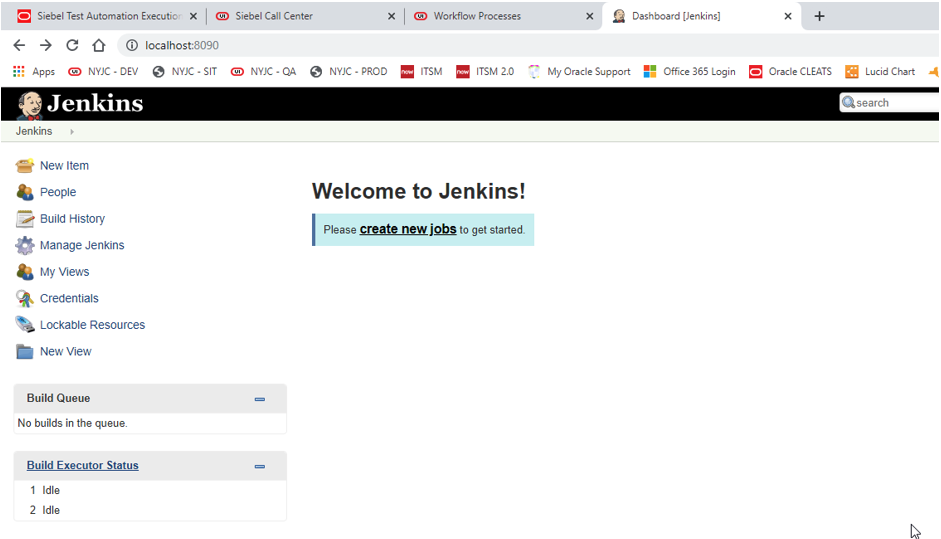
- Now we need to install the custom Siebel Test Execution plugin. To do so, click Manage Jenkins.
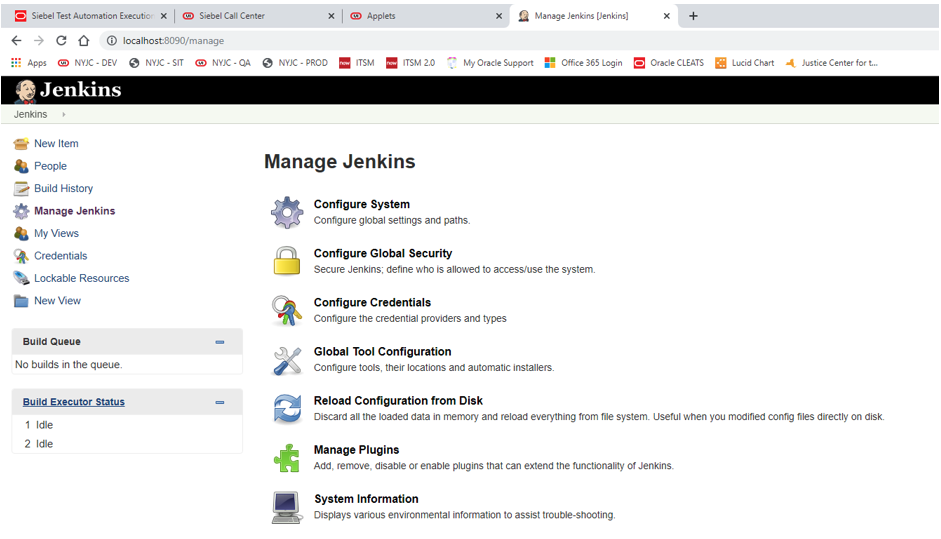
- Click Manage Plugins
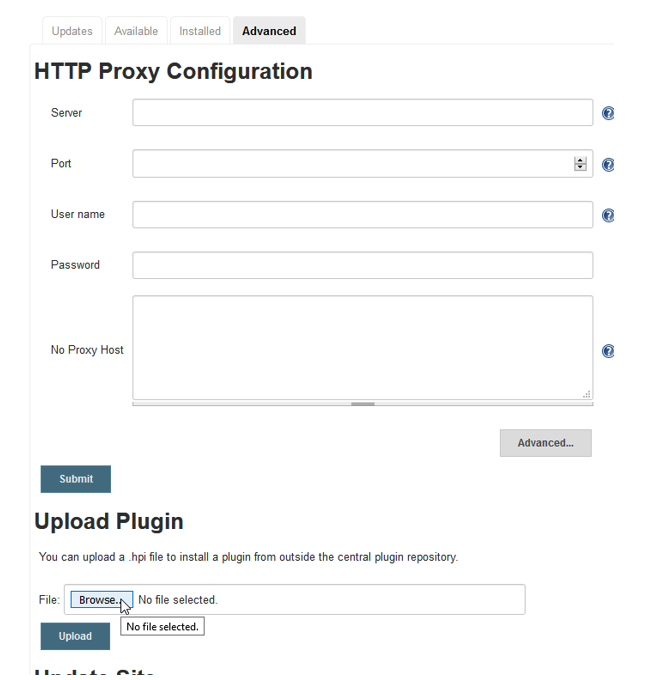
- From the Advanced tab, click the Browse button in the “Upload Plugin” section. Browse and select the STE.hpi file that was provided with this installation. NOTE: The STE.hpi can also be downloaded directly from the Siebel Server. It is located in the following directory: SIEBEL_SERVER_ROOT/plugins. After the file is selected, click the Upload button.
NOTE: Bookshelf says that we also may need to set the proxy server configuration (Navigate to Manage Jenkins > Manage Plugins, then select Advanced tab and add the proxy server settings). This is necessary if the Jenkins server needs a proxy to connect to the internet. Since my installation was already able to connect to the internet, I skipped this step.
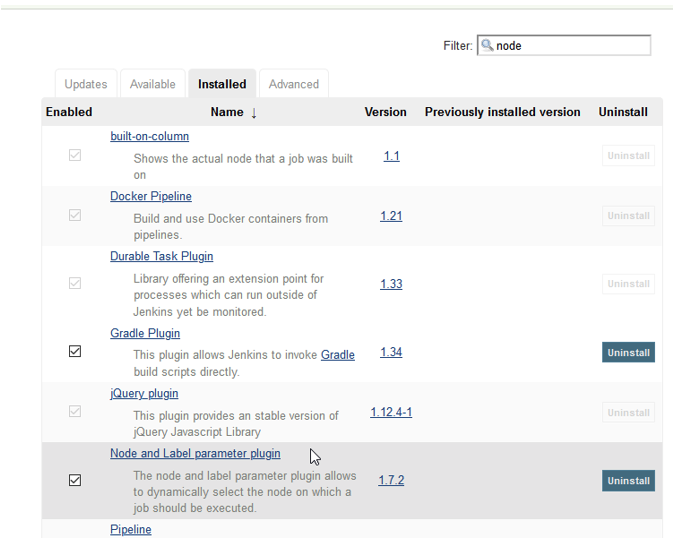
- Next, install the Node and Label Parameter Plugin by navigating to the Available tab in Manage Jenkins > Manage Plugins. Select the “Node and Label parameter plugin” and click the “Install without restart” button. Afterwards, you should see these plugins displayed in the “Installed” tab.
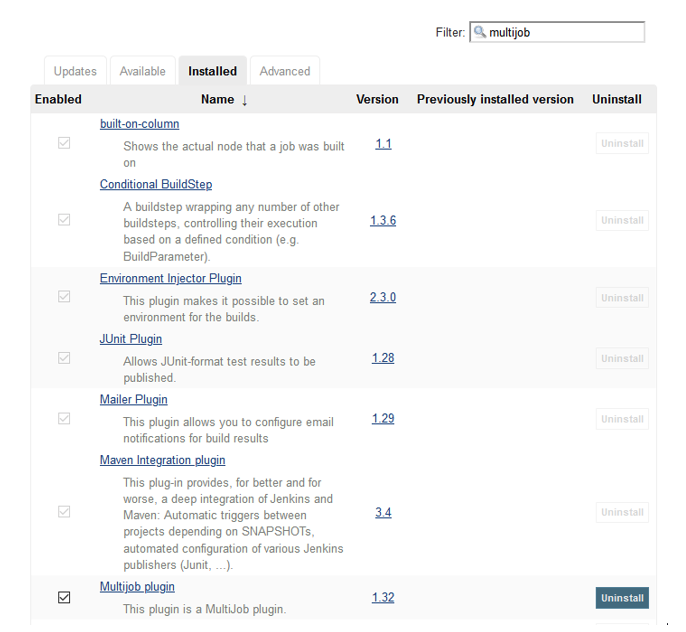
- Repeat the previous step for the “Multijob plugin”.